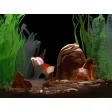
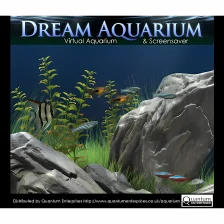
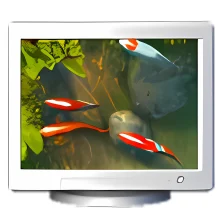
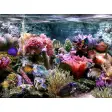
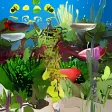
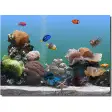
Watch a living goldfish tank on your desktop
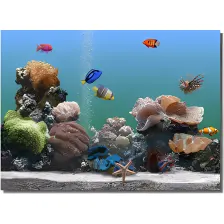
Goldfish Aquarium is a popular, trial version software only available for Windows, being part of the category Desktop customization software with subcategory Screensavers (more specifically Virtual Aquariums).
More about Goldfish Aquarium
Since we added this software to our catalog in 2003, it has managed to achieve 124,588 downloads, and last week it gained 6 installations.
Its current version is 2.0 and was updated on 8/2/2006. It's available for users with the operating system Windows 95 and former versions, and you can get it in English.
Goldfish Aquarium is a slick program that requires less storage space than the average program in the section Desktop customization software. It's a program very heavily used in countries such as United States, Russian Federation, and India.
"Desktop Toy" tank added"Zen Bowl" tank added"Art School" tank added"Driftwood" Tank addedFour new fish added: Prince, Julius, Tillie and HalleyAll fish models update
Changes
"Desktop Toy" tank added"Zen Bowl" tank added"Art School" tank added"Driftwood" Tank addedFour new fish added: Prince, Julius, Tillie and HalleyAll fish models update


















User reviews about Goldfish Aquarium
by Discotimelord
I remember this on my family PC as a kid!! I loved caring our goldfish <3 Does it work on Windows 7? I want it so badly!
by Anonymous
tgis is a key of happyness.
we can feel real life of fish. It give us happyness. It helpful for saving sceen during off time